 Launching connects to GameMonetize and may display ads.
What are character battle games?
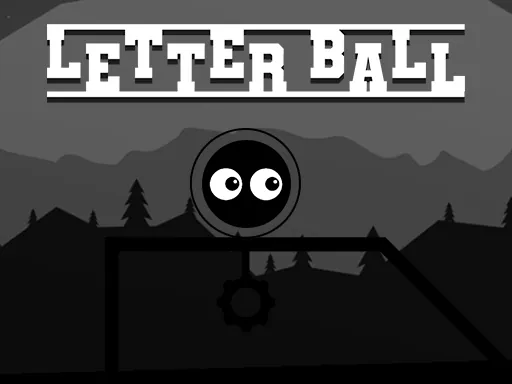
Control the ball, clear obstacles and hit the required letters in order. Later stages make both the platforming and word sequence more demanding.
Controls
Move with WASD or the arrow keys and jump with Space.
A word puzzle with platforming movement
Letter Ball asks you to roll and jump through a level, touching letters in the correct order to complete the target word. A required letter may be visible but blocked by an obstacle or a change in height, so solving a stage involves both reading the sequence and finding a route. The distributor says later levels make the necessary items progressively harder to reach.
Move with WASD or the arrow keys and jump with Space. Contact order matters: rushing toward a nearby letter without checking the target can send the ball into a different character first. Alongside the word puzzle, there is light platforming built around controlling momentum, clearing obstacles, and choosing a safe landing point.
Planning a cleaner route
Before moving, read the target and locate at least the first two or three required letters. In narrow areas, use short key presses to limit speed, then line up the ball before jumping. When several letters sit close together, stopping to confirm the next target is safer than carrying too much momentum into the group. Later stages reward route planning as much as quick reactions.
The published controls require a keyboard. The game window can fit a mobile screen, but no touch movement buttons are provided, so a desktop or laptop with a keyboard is the dependable way to play. The target words and letters are in English; recognizing common English spelling patterns makes the intended sequence easier to follow.
Frequently asked questions
Can I collect the letters in any order?
No. You need to touch them in the order required by the target word, so check the next letter before rolling forward.
What are the Letter Ball controls?
Use WASD or the arrow keys to move the ball and press Space to jump.
Does Letter Ball have mobile touch controls?
The published instructions list keyboard controls only. The game can resize on mobile, but a documented touch movement scheme is not available, so desktop is recommended.